As a small business owner in Troy, Michigan, you understand the importance of protecting your valuable data. Whether it's customer information, financial records, or intellectual property, losing your data can be catastrophic. A well-planned data backup strategy is essential to ensure business continuity in the face of unexpected disasters.
What is the 3-2-1 Rule?
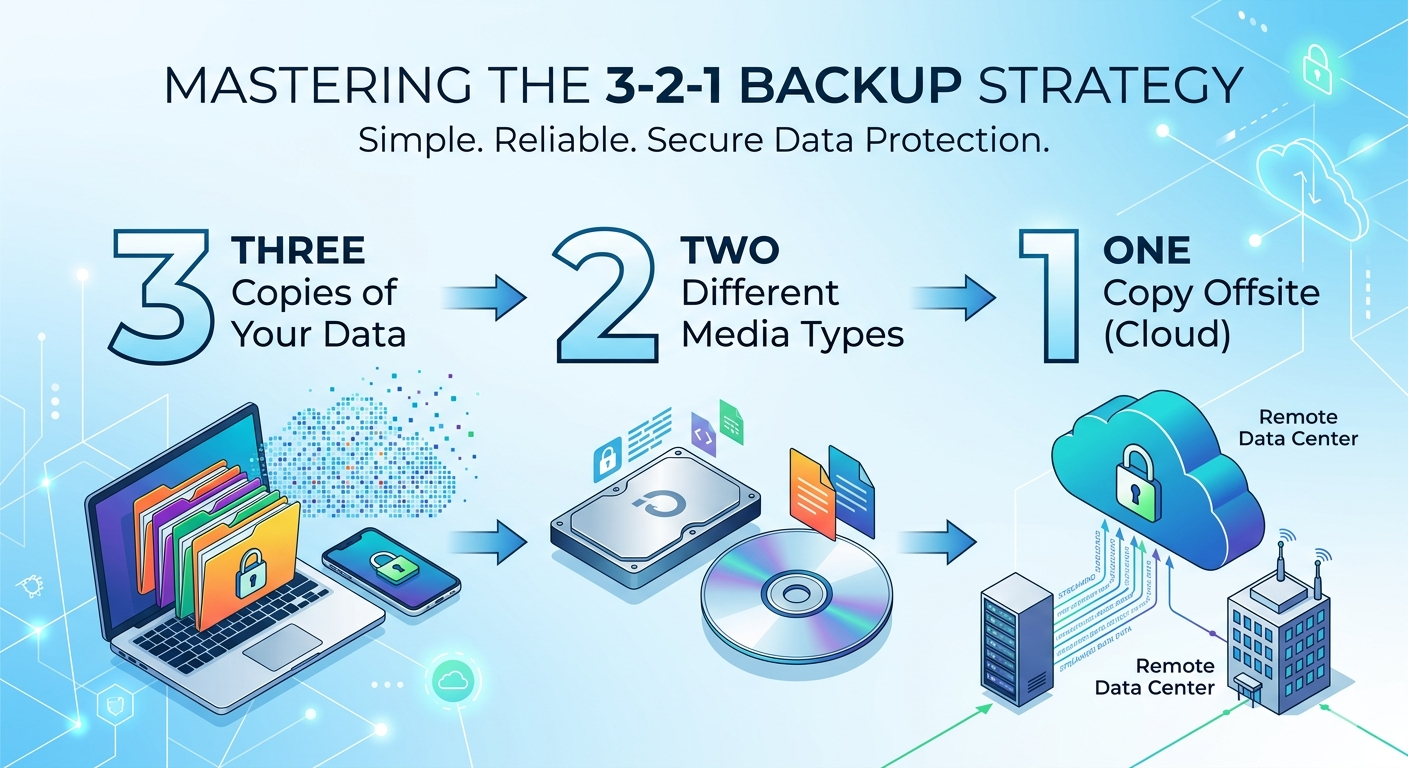
The 3-2-1 rule is a widely accepted data backup strategy that involves creating three copies of your data, storing them on two different types of media, and keeping one copy offsite. Three copies of your data include the original data, a local backup, and a remote backup. Two different types of media means storing your backups on external hard drives and cloud storage. One copy offsite ensures your data is safe from local disasters such as fires, floods, or theft.
Real-World Disaster Scenarios the 3-2-1 Rule Prevents
The 3-2-1 rule protects your business from hardware failure where a hard drive crash or server failure can result in data loss. Ransomware attacks that encrypt your data can be recovered from backup copies. Natural disasters like fires and floods that destroy physical infrastructure are mitigated by offsite backups. Human error such as accidental deletion or corruption can be restored from previous versions.
Step-by-Step Implementation Guide
Start by identifying critical data that is essential to your business operations. Choose backup media by selecting two different types such as external hard drives and cloud storage. Create a local backup using an external hard drive or local server. Create a remote backup using cloud storage or a remote server. Automate backups by scheduling regular backups to ensure data is up-to-date. Test and verify backups regularly to ensure they are complete and can be restored successfully.
Cloud vs Local Backup Comparison
Cloud backup offers scalability to meet growing data needs, accessibility from anywhere at any time, and automatic updates and maintenance. However, it requires stable internet connectivity and faces security risks from cyber threats. Local backup provides complete control over data and security, no dependence on internet connectivity, and faster restore times. However, it has limited scalability and requires manual maintenance and updates.
Common Mistakes Businesses Make
Businesses often fail to backup critical data, don't test backups regularly, fail to automate backups resulting in outdated copies, and don't store backups offsite risking data loss in local disasters.
Cost Analysis
External hard drives cost $100-$500 per year depending on capacity. Cloud storage ranges from $50-$500 per month depending on the provider and storage capacity. Backup software costs $50-$200 per year. While there is a cost to implementing the 3-2-1 rule, the average cost of a data breach is $3.92 million according to IBM. Don't wait until it's too late – implement the 3-2-1 rule today and protect your business from data loss.